
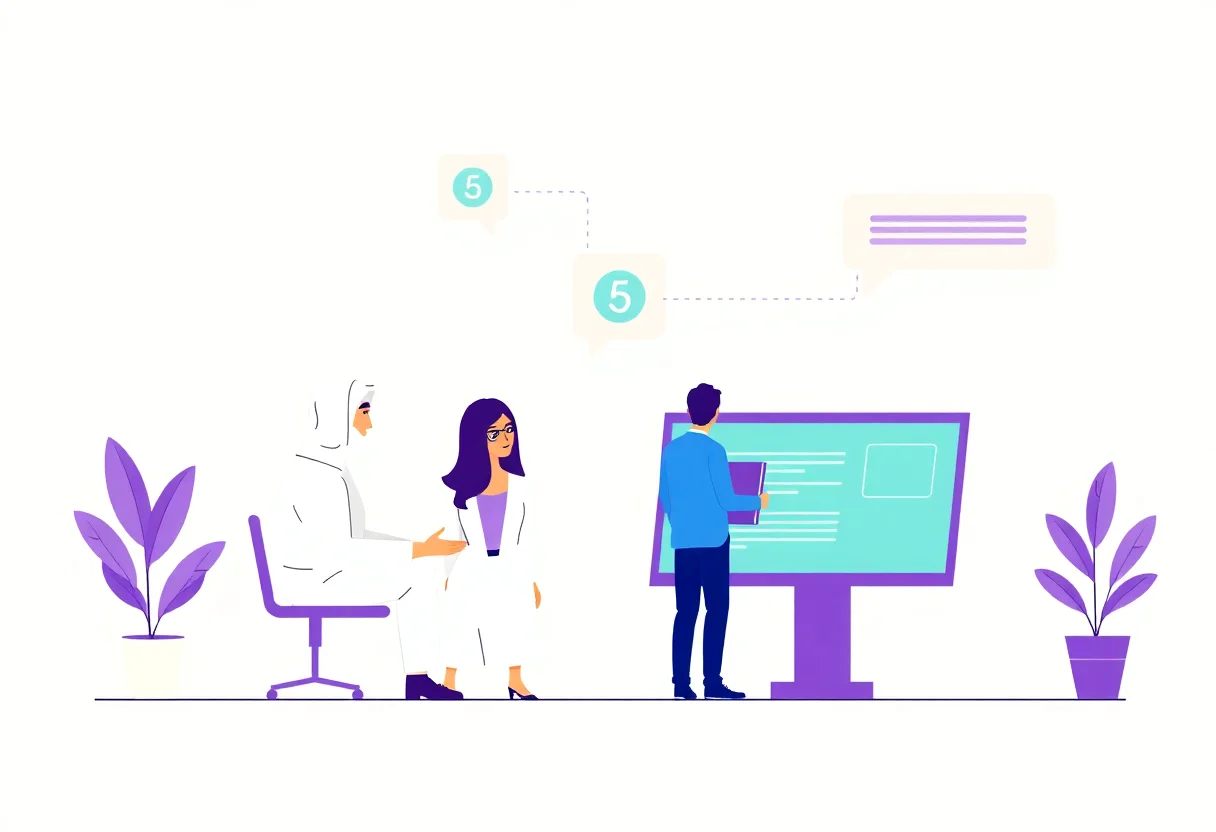
How to onboard team to work with AI chatbots
This page is for one clear goal: how to onboard team to work with AI chatbots in a way that fits real support teams, not in a perfect demo. Your team should not fight the bot. Your team should run with it.
This is the core use case: Align teams and support roles for human-agent handoff and ongoing chatbot governance. Keep scope narrow. Do not use this as a general chatbot setup guide. Use it only to run people, roles, and routines.
Why team onboarding is often the hardest part
A bot can answer fast. Teams still need clarity. Most onboarding fails in four moments:
- People do not know where handoff is allowed.
- Support teams and bot creators use different language.
- Handoffs lose context.
- Ownership is unclear when the bot sends a wrong answer.
When this happens, customer trust falls and your team creates more work than needed.
Before launch: assign roles in one hour
Start with a short alignment meeting before touching content. Bring one facilitator, one support lead, one admin owner, and one language owner.
Role map
- Bot owner: owns response quality and change requests.
- Support lead: owns handoff standards and SLA.
- Language owner: approves Arabic and English tone style.
- Governance owner: runs weekly audits and tracks risk.
Give every role a shared channel. If you need a role-flow baseline, first copy the human collaboration structure from AI chatbots and human agents working together.
Use this onboarding sequence, not a generic checklist
Step 1: choose 15 mandatory flows
Pick exactly 15 flows for the first sprint. Do not go wider.
Example set for a small team:
- order status
- payment confirmation and failed payment
- shipping ETA
- return eligibility
- service hours and contact
- refund policy
- language switch
- urgent complaint
- lead transfer to human
- delivery update
- appointment cancellation
- store/store branch availability
- invoice resend
- new order hold
- feedback capture
Each flow gets one owner and one expected response time.
Step 2: train handoff language
Use one handoff sentence in every team language. It should sound human, calm, and short.
Example:
“I can see this needs a human to review. I am passing your case with context now. You should hear from our agent within two minutes.”
Then apply escalation rules from How to Transition Customers from Chatbot to Human Agent Smoothly.
Step 3: map handoff context fields
Every handoff must include:
- issue type
- customer message summary
- action already tried by chatbot
- risk flag (billing, legal, angry customer, unresolved issue)
- language preference
Missing one field creates repeated questions and slower support.
30-day onboarding flow for teams
- Week 1: launch 15 flows, define owners, set KPI baseline.
- Week 2: run daily review on wrong handoffs and wrong escalations.
- Week 3: add confidence filters, reduce duplicate questions, train scripts.
- Week 4: remove weak branches, keep only the best-performing responses.
Do not change policy text during week 2. Keep wording stable so quality signals are clear.
Practical examples you can reuse
Example 1: wrong language handoff
Customer speaks Gulf Arabic then asks in English. Bot should continue from where the conversation left. If it cannot, route to a bilingual agent and include language switch in context.
Example 2: repeated billing issue
Customer says, “I paid, still says pending.” Bot should not retry random answers. Send one escalation with order id, payment status, and merchant channel immediately.
Example 3: angry complaint
Customer is angry and repeats the same message. Bot should acknowledge once, set urgent flag, and handoff to a real person, not continue sending policy text.
Reduce handoff noise first, always
Teams often think fewer handoffs is always better. That is wrong. Better is cleaner handoffs.
For a practical reduction model, use the guardrails from reduce-chatbot-handoff-rate. Focus on:
- which questions are truly resolvable by bot
- which questions need quick human review
- which questions must never be answered without a human
Track these three numbers:
- handoff % by flow
- average handoff time
- repeat complaint count
Governance rules for ongoing operations
Onboarding without governance fails after month one. Add these rules and keep them weekly.
- Every owner updates response examples every Friday.
- Every sensitive-topic change needs one approver.
- No one edits handoff triggers during low staffing.
- Keep a weekly risk list for wrong transfers and missed escalations.
Use the first 30-day implementation map
If you already have internal milestones, keep them. If not, mirror a simple implementation structure from AI chatbot implementation in 30 days and only then add your custom flows.
Quick training sequence for non-technical staff
People join teams with very different backgrounds. Keep training practical. Use three short sessions.
Session 1: bot behavior and role boundaries.
Session 2: handoff phrasebook and escalation tags.
Session 3: weekly review and fallback correction process.
Then review two real chat samples each session. The goal is confidence, not theory.
Before you close onboarding, check these questions
- Can any team member answer a complaint request in under 20 seconds?
- Can every handoff include context in one place?
- Do people know who owns policy updates?
- Do we have one calm fallback message for every unknown case?
If the team still answers “let me ask support” too often, your onboarding is not done.
Launch outcome
Your team should now respond faster, with clearer escalation and less conflict between bot and human replies. Customer trust increases when context stays continuous and tone stays calm.
Need a quick start for your actual rollout? Get started free and begin with team onboarding plus handoff rules.


