Your Team Answers WhatsApp Messages Manually All Day. Here Is How to Transition to a Chatbot Without Losing the Personal Touch.
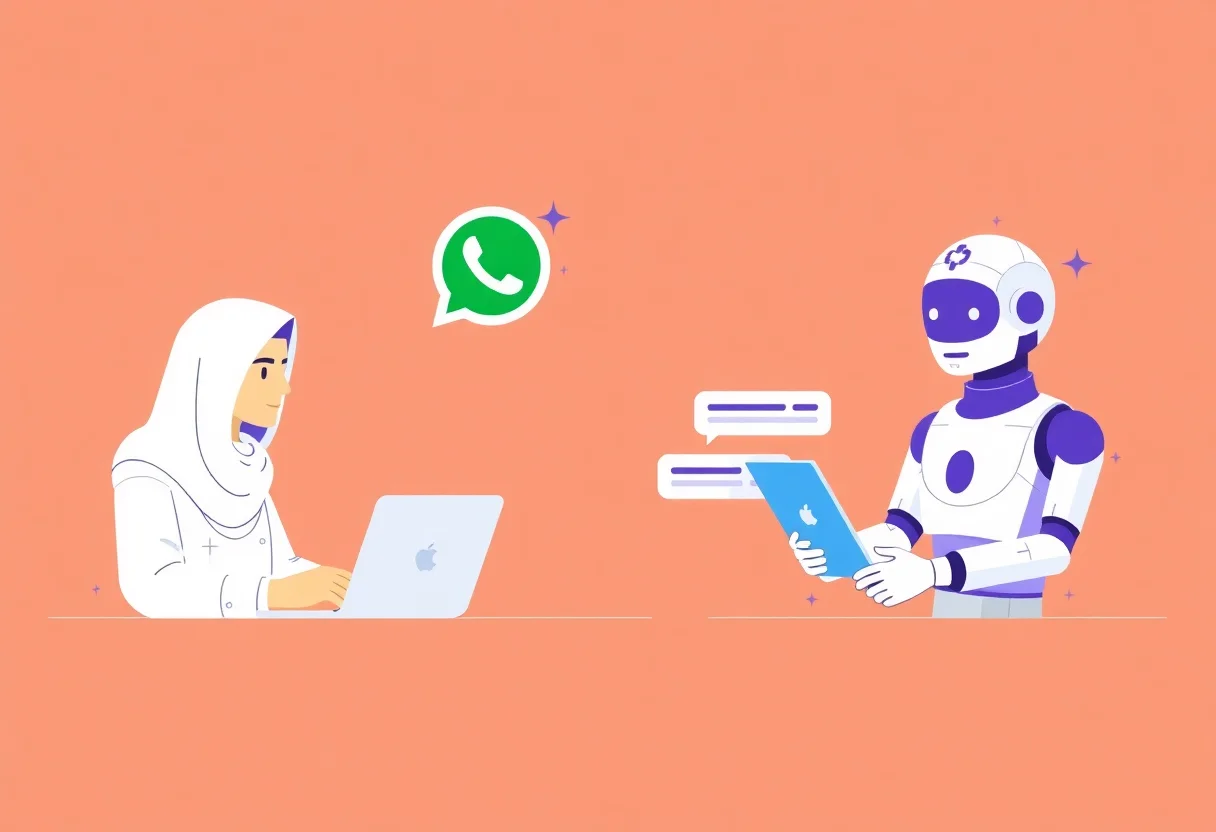
Moving from manual WhatsApp support to an AI chatbot is not a technology switch — it is a customer experience transition. If you replace personal replies with a robotic chatbot overnight, customers notice and complain. If you introduce the chatbot gradually, they appreciate the faster responses and the human touch remains when they need it.
“The goal is not to replace your team on WhatsApp. It is to give them a tool that handles the repetitive questions — so they can be more human on the conversations that matter.”
The Migration Plan
Week 1-2: Analyse. Review your last 500 WhatsApp conversations. Identify the most common questions — these become the chatbot’s initial knowledge base. Identify the questions that should always go to a human — complaints, complex enquiries, negotiations. Week 3-4: Build and test. Create the chatbot with the top 20 questions. Test internally — have your team message the chatbot as if they were customers. Week 5-6: Hybrid launch. The chatbot handles common questions. Complex questions are routed to your team immediately. Customers who ask for a human are transferred without friction. Week 7-8: Review and expand. Review chatbot conversations. What questions did it answer well? What did it miss? Add new questions and answers weekly. Month 3 onward: The chatbot handles 70%+ of conversations. Your team handles the 30% that need a human. For migration support, see our AI chatbots page.
“Migration to a chatbot is not a launch — it is a phased transition. Your customers should feel the service getting faster, not feel like they lost a human connection.”